If you've started earning cash back rewards from your PayPal Mastercard , you might be wondering about the best, safest way to redeem those rewards.
This guide covers practical steps and tips for anyone who wants to turn their card rewards into something useful, whether that's shopping, saving, or covering daily expenses.


This topic tends to matter most if you’re someone focused on maximizing money from your everyday spending.
Perhaps you’re a regular PayPal user, or just looking for an efficient, adaptable cash back program. Either way, learning how redemption works helps you get more out of every purchase without much extra effort.
Understanding PayPal Mastercard Cash Back Rewards
The PayPal Cashback Mastercard has found a following among frequent online shoppers. It gives a flat 2% cash back on every eligible purchase , with no confusing category limits. Rewards accumulate quietly in your account over time.
Because rewards are instantly available once posted, there's no waiting period to access your earnings. For anyone trying to budget carefully or squeeze value from small transactions, this makes the card attractive for its predictability and transparency.
How Cash Back Rewards Are Earned
With the PayPal Mastercard, every purchase—whether groceries, gas, or online subscriptions—earns the same flat cash back percentage. Unlike category-based cards, you never have to track bonus periods or opt in to offers.
As rewards build up, they're listed separately from your card balance. Occasionally, the numbers take a moment to update, especially after large purchases or returns. Still, the overall experience remains fairly streamlined for most users.
How to Check Your Cash Back Balance
Accessing your cash back balance can be done directly through the PayPal app or website. Once logged in, you'll see a dashboard featuring transactions alongside your accumulated cash back total.
The statement section provides details on reward posting dates and any adjustments, such as partial refunds. It's not a complex process, but checking in regularly ensures you’re able to spot trends or confirm your balance before redeeming.
Redemption Options for PayPal Mastercard Rewards
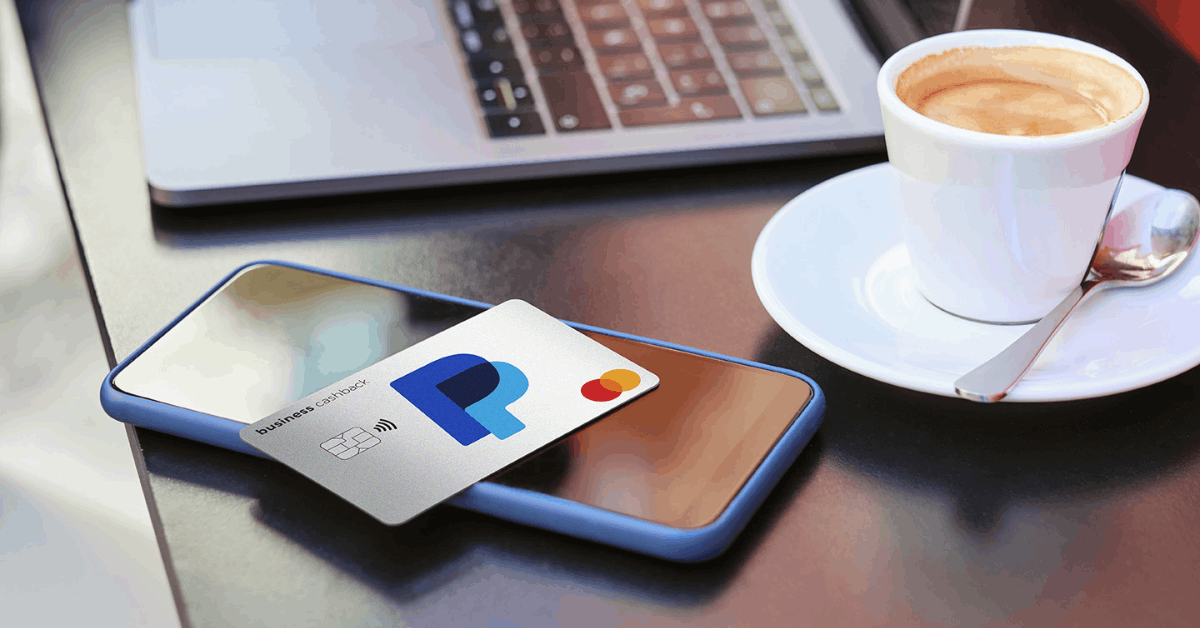
This card stands out for its flexibility in redemption. Unlike certain reward programs that limit what you can do, PayPal makes cash back instantly redeemable once posted. That means no minimum threshold to meet.
Direct redemption into your PayPal balance is the standard. The balance itself can then be spent, sent, or even transferred to a connected bank account. This makes the reward process seamless with the broader PayPal ecosystem.
Redeem to PayPal Balance
Generally, the simplest choice is to send rewards straight to your PayPal balance. Once deposited, the money can be used as you see fit—covering online purchases, splitting bills, or converting to a linked bank account.
Spend Rewards with Merchants
If your preference is convenience, using your rewards for purchases at millions of merchants (both online and in stores) is entirely viable. The process feels like spending any other PayPal funds. There’s almost no perceived barrier.
Transfer to Bank Account
For those wanting a little more liquidity, transferring rewards out of PayPal and into your regular checking account is an option. Transfers are fast, and in most cases, no additional fees are applied by PayPal itself.
Step-by-Step: Redeeming Cash Back via PayPal Account
Log in to Your PayPal Account
First, log into your PayPal account using a secure device. The dashboard will display your available cash back balance prominently.
Select Cash Back Redemption
Find the PayPal Mastercard section, typically labeled “Rewards” or “Cash Back.” Here you’ll see options for immediate transfer or review.
Choose Redemption Amount
You can usually select any portion of your available balance—no need to redeem the full amount at once. However, most users prefer to claim rewards as soon as they’re posted.
Transfer to PayPal Balance
After reviewing the details, confirm that you’d like to move the reward into your PayPal balance. The money usually appears instantly, ready for use across the PayPal platform.
Using Your Redeemed Rewards
Now that your cash back is part of your available PayPal funds, several practical choices open up. Sending money to friends or family (especially within PayPal’s network) is straightforward.
If shopping is the goal, your PayPal wallet allows purchases at countless retailers. Subscription renewals, digital services, or even travel bookings can be covered with your cash back reward.
Tips for Maximizing Your Reward Value
Redeem Frequently
Because there’s no minimum redemption, frequent redemption ensures you’re always putting your money to use. For some, waiting may be tempting, but smaller, regular payouts let you track and control spending.
Time Redemptions Before Big Purchases
If you know you’ll be making a larger purchase, redeeming beforehand can offset out-of-pocket costs. This habit may help keep monthly credit spending more predictable and manageable.
Watch for Account Promotions
On rare occasions, PayPal might run limited redemption promotions. In these cases, rewards could stretch farther—though terms and availability vary, so it helps to stay informed through the official PayPal Help Center at PayPal Help Center.
Security and Safe Redemption Practices
Always make sure you’re using trusted devices and secure networks when accessing your PayPal or Mastercard account. Phishing attempts sometimes target financial platforms.
If you ever spot something unusual, contacting PayPal’s customer service or visiting Mastercard's official support is the suggested move. Keeping login credentials secure helps prevent account misuse.
Common Issues and Resolutions
Occasionally, users encounter minor hiccups. Rewards may appear delayed after returns or fraudulent charges, requiring customer service clarification. The vast majority resolve without complex intervention.
In rare cases, PayPal might freeze redemption temporarily if it detects unusual activity. Addressing discrepancies promptly helps keep everything running smoothly.
Tracking Your Cash Back Over Time
Some users find it helpful to record rewards manually, perhaps in a budgeting app, to monitor accumulation habits. This is useful for those following personal financial goals or just wanting more visibility.
The online statement tool offered by PayPal is typically enough for most needs. Still, reviewing transactions at the end of the month serves as an added measure for those who want a clearer financial picture.
Make the Most of PayPal Mastercard Cash Back
Redeeming PayPal Mastercard cash back rewards is genuinely straightforward, especially for anyone seeking adaptability and transparency. The reward system favors efficiency, quick redemption, and multiple uses, supporting both occasional spenders and savvy budgeters alike.
Perhaps you’ll find, over time, that small amounts add up faster than expected. With consistent use, the process becomes second nature. The minor moments of hesitation, wondering if reward programs are really worth it, seem to fade as you notice subtle savings from purchases you’d make anyway.
Ultimately, focusing on secure habits and regular reviews offers peace of mind. With the cash back feature integrated so neatly into ordinary spending, the incentive to use and redeem rewards feels more like a bonus than an obligation. It’s a straightforward way to convert daily expenses into tangible, flexible returns.