Bank Zero is a South African app-only mutual bank focused on low fees and competitive savings rates for both individuals and businesses.
It operates fully through a mobile app and offers a patented Mastercard debit card for everyday transactions.


However, despite many people searching for it, Bank Zero does not currently offer a credit card.
Does Bank Zero Have a Credit Card?
Bank Zero is currently licensed to issue and process debit cards, not credit cards.
The bank clearly positions itself as a low-fee, app-based bank that does not provide traditional credit facilities such as personal loans or credit cards.
If you specifically need a credit card, you will have to compare products from other South African banks and credit providers.
If your main goal is a low-cost card for everyday spending and digital banking, the Bank Zero debit card might still be a practical option.
Benefits of the Debit Card
Card swipes in-store and most local EFT payments are free, so you are not charged each time you pay by card or move money between accounts.
The card uses multiple different card numbers for different transaction types, which makes stolen card data much harder to use.
You can adjust daily limits for ATM withdrawals and for online card payments directly in the app, giving you control over your risk exposure.
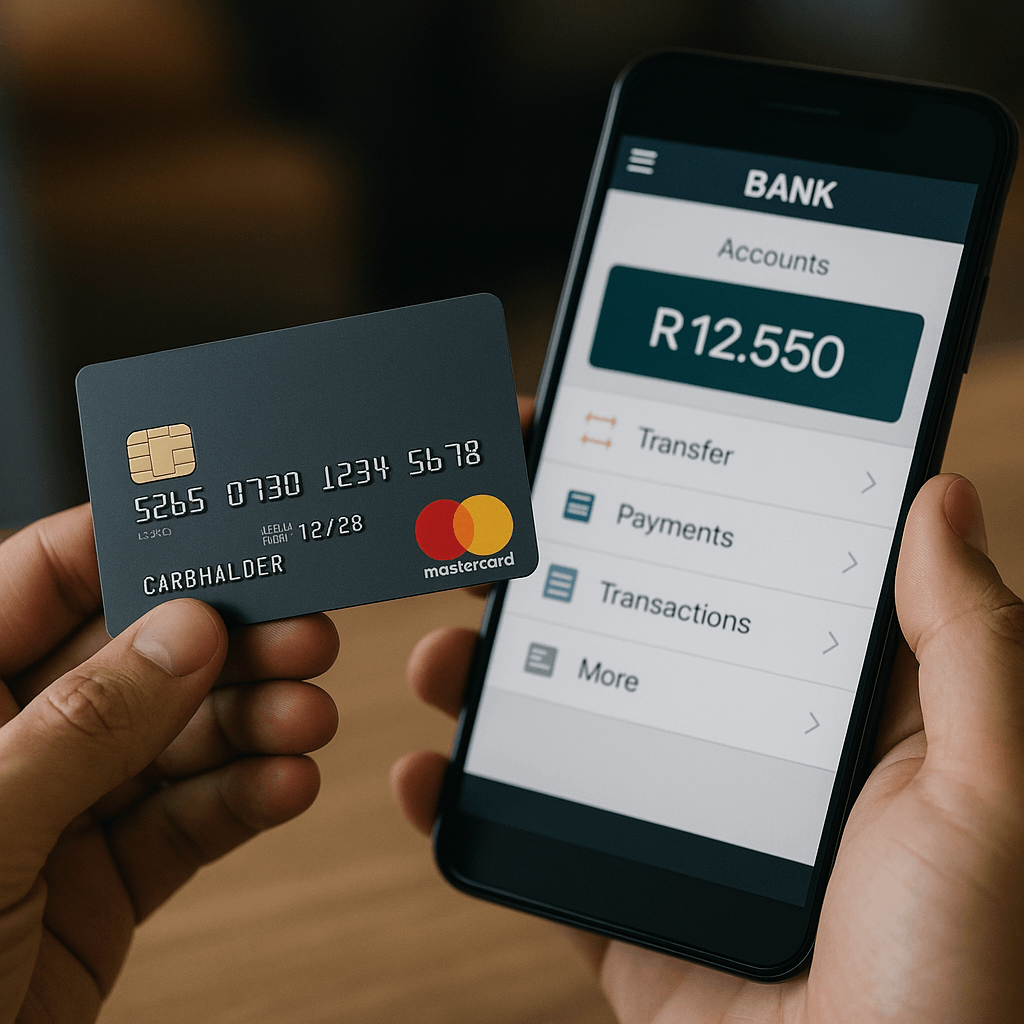
Everything—card settings, limits, locks, and transaction monitoring—is managed through the app, with no need to visit a branch.
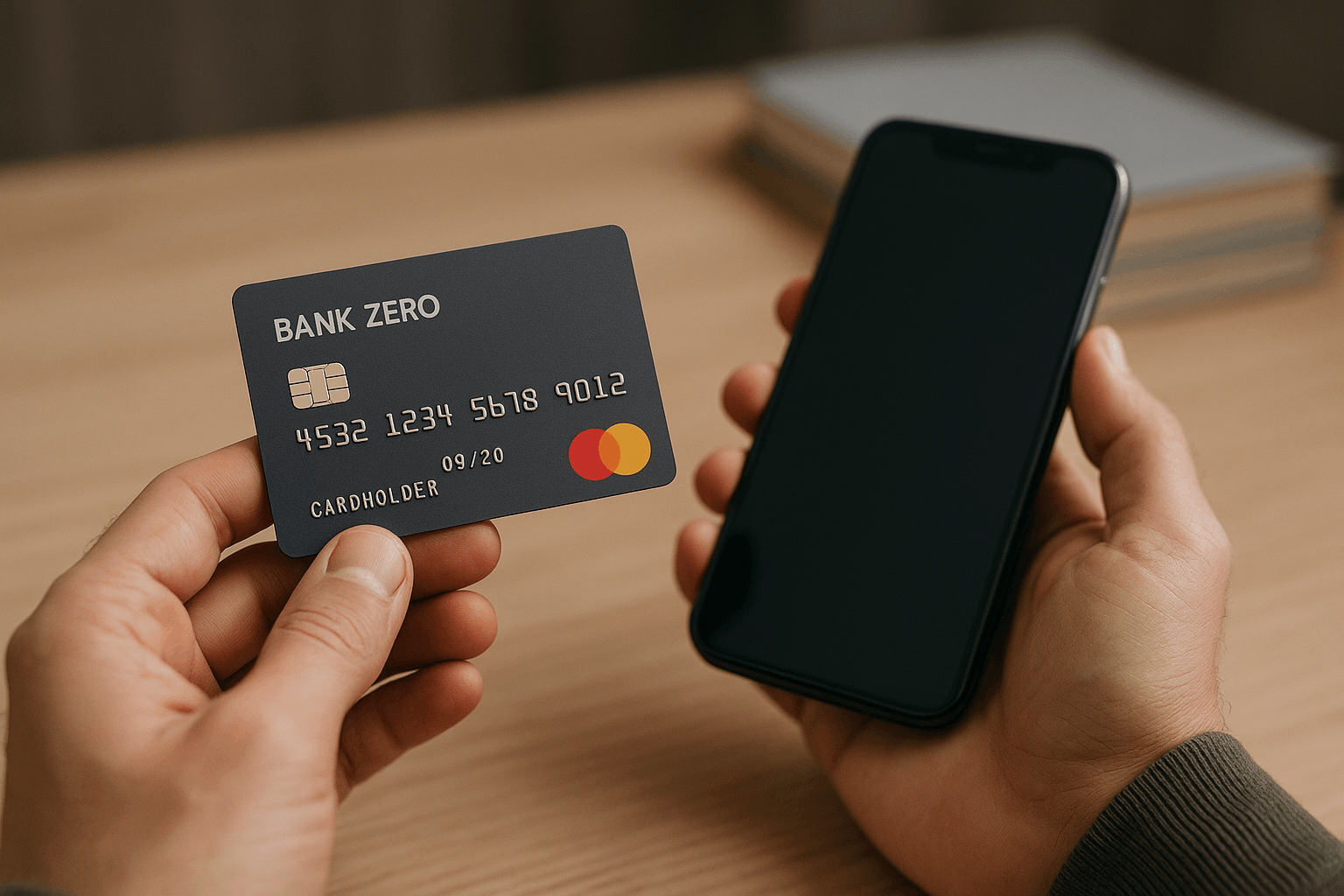
What You Can Apply for Today: Bank Zero Account and Debit Card
Even though there is no Bank Zero credit card, you can open a Bank Zero personal or business account and receive a Mastercard debit card.
This card can be used for in-store purchases, online payments, and contactless transactions, both locally and internationally.
Eligibility and basic requirements
To open an account and request the debit card, you generally need:
- A valid South African ID, passport, or driver’s licence
- Proof of residential address
- A South African cellphone number
- A smartphone (Android or iOS) with a camera to capture your biometrics
- Customers must complete a digital onboarding process that complies with South African FICA requirements.
In most cases, individuals aged 16 and above open and manage their own profiles.
How to Apply via the Bank Zero App
Bank Zero is fully app-driven, so the entire application process takes place through your smartphone, rather than at a physical branch.
Download the app
Install the official “Bank Zero” app from the Google Play Store or Apple App Store.
Register your profile
Open the app, enter your South African cellphone number, and create your login details.
Follow the on-screen prompts to create your profile.
Upload documents and biometrics
Use your phone’s camera to capture your ID and proof of address, or upload clear images or PDFs.
Record any required biometric information, such as a selfie or short video, in a well-lit environment.
Wait for verification
The bank reviews your documentation and, if everything is in order, activates your account.
You will see your accounts and balances on the main app screen once approval is complete.
Order your physical debit card
Within the app, you can customize and order your physical card.
A once-off fee usually applies for card production and delivery, while everyday card swipes and many basic transactions remain low-cost or free.
Fees and Costs Linked to the Bank Zero Card
Bank Zero promotes a zero monthly fee model on its core accounts.
Customers typically do not pay a fixed monthly account fee, which is a key part of the bank’s value proposition.
Some important points about fees and costs:
- No standard monthly account-keeping fee for personal and many business accounts
- No charge for card purchases in-store or online in most everyday cases
- No fee for many EFTs and debit orders within South Africa
- However, some services do carry charges, such as:
- Card production, personalization, and delivery
- Cash withdrawals at ATMs, particularly at other banks’ ATMs and foreign ATMs
- Certain specialized transactions or services as listed in the bank’s pricing guide
Competitor Cards
Here’s a simple comparison of Bank Zero card vs big low-fee competitors in South Africa.
| Feature / Bank | Bank Zero Debit Card | TymeBank EveryDay (Visa Debit) | Capitec Global One (Debit) |
|---|---|---|---|
| Monthly account fee | R0 (personal & business) | R0 monthly | R7.50 per month (main account) |
| Local card purchases (in SA) | R0 – in-store & online card transactions are free | R0 – free local card purchases at SA merchants | R0 – SA card machine purchases are free |
| Local ATM withdrawal (typical) | About R10 per R1 000 at ATMs in South Africa; foreign ATMs carry a minimum fee | About R10 per R1 000 at any SA ATM; higher flat fee for international ATMs | Around R10 per R1 000 at other SA bank ATMs |
| Foreign card purchases | No extra transaction fee plus about 1.8% FX mark-up on foreign currency purchases | Around 2% international transaction conversion fee on card purchases | Around 2% international processing fee, often capped at a fixed rand amount |
| Card network | Mastercard debit | Visa debit | Mastercard debit |
| Security & controls | Patented multi-number card design to reduce fraud; strong app controls to lock card, toggle ATM access, set limits, and get real-time alerts | App and USSD controls; digital-first model with low decline and penalty fees | App lets you change limits, pay with card/QR, and manage accounts; standard SA security features |
| Extra “everyday” benefits | No monthly fee; many transactions free; competitive foreign-purchase pricing; detailed app statements | No monthly fee; free local card purchases; free certain bill payments and EFTs to TymeBank accounts; easy sign-up at retail kiosks | Low monthly fee; free SA card purchases; simple fixed-fee structure and large branch/ATM footprint |
| Best for… (rough guide) | People who want no monthly fee, heavy card use, strong app security, and good foreign-purchase pricing | People who want no monthly fee, simple in-store sign-up, and low-cost digital banking | People comfortable with a small monthly fee in exchange for a big network and clear fees |
Bank Zero Contact Details and Address
Physical address: 4 Georgian Crescent West Bryanston, 2021 Johannesburg South Africa
Telephone (switchboard / general enquiries): +27 (0)11 687 8100
Email for general information: info@bankzero.co.za
Mobile or messaging line (often used for support): +27 (0)79 221 6628
Conclusion
At present, there is no Bankzero credit card available for customers to apply for.
Instead, Bank Zero focuses on app-based transactional banking, a low-fee account structure, all linked to a Mastercard debit card.
If you want a simple, low-cost way to manage your money and pay by card, open a Bank Zero account and request the debit card.
Disclaimer: This article is for educational and informational purposes only and does not constitute financial advice, product recommendation, or an official statement from Bank Zero. Product features, interest rates, fees, contact details, and eligibility criteria may change at any time, so you should always confirm the latest information directly with Bank Zero through its app or official customer-service channels before opening an account or relying on any details mentioned here.