Download the Lidl Plus card app, register, and start saving on your regular shop. The free loyalty program delivered entirely through a mobile app unlocks weekly coupons, tailored offers, partner perks, and country-specific rewards.
Below you’ll find how the Lidl Plus card works, how to download Lidl Plus, and practical ways to add the Lidl Plus card to Google Wallet or use Apple Wallet.

What Lidl Plus Is
Lidl Plus is a digital loyalty program. You scan the in-app card at the till to apply your coupons and collect rewards.
Many markets also use monthly “milestones” or similar activations that unlock additional coupons after you reach spend thresholds.
In some countries, Lidl adds extras. For example, Lidl Pay—a feature available in select markets—lets you register a payment card in the app.
Lidl Plus is designed as a digital-only program delivered by the app; Lidl does not routinely issue a physical Lidl Plus card.
Benefits
Here are the benefits of the Lidl Plus card app.
- Weekly offers & coupons on food and non-food items. In several countries, these now apply automatically when you scan the app at checkout (no manual activation needed for the “Offers” section).
- Personalized coupons based on your shopping patterns, in addition to rotating weekly discounts.
- Monthly spend rewards (“Coupon Plus” or similar): hit in-app spend milestones within a calendar month and unlock one-off bonus coupons.
- Digital receipts stored in the app for shops where you scanned your card—useful for returns, expense tracking, and seeing exactly what was discounted. Receipts typically appear shortly after purchase.
- Scratch & Win: after eligible purchases where you scan your card, you may receive an in-app scratchcard with a chance to win extra coupons or freebies. These run as periodic promotions with local terms and minimum spend rules.
- Stamp-card promotions & prize draws: seasonal campaigns that let you collect stamps for guaranteed rewards or entries into competitions (often tied to events or brand partnerships).
- Partner offers: third-party discounts accessed from th “Partner Offers” section (e.g., leisure, dining, travel—specific partners and values change over time).
- Offer browser & leaflet hub to preview current and upcoming deals (including “Middle of Lidl” savings).
- Store-level tools: set or change your favorite store and enable alerts so you don’t miss local promos. (You can also switch your Lidl Plus country when you travel, if the program is offered there.)
- Receipt history tools: bookmark, download, or share digital receipts directly from the app.
How to Get Lidl Plus Card App
Download the Lidl Plus card app for your country on Google Play or the Apple Store.
Open the app, select your country, and register with your details. Log in to access your digital Lidl Plus card, weekly coupons, and receipts.
These official app pages outline features and supported markets.
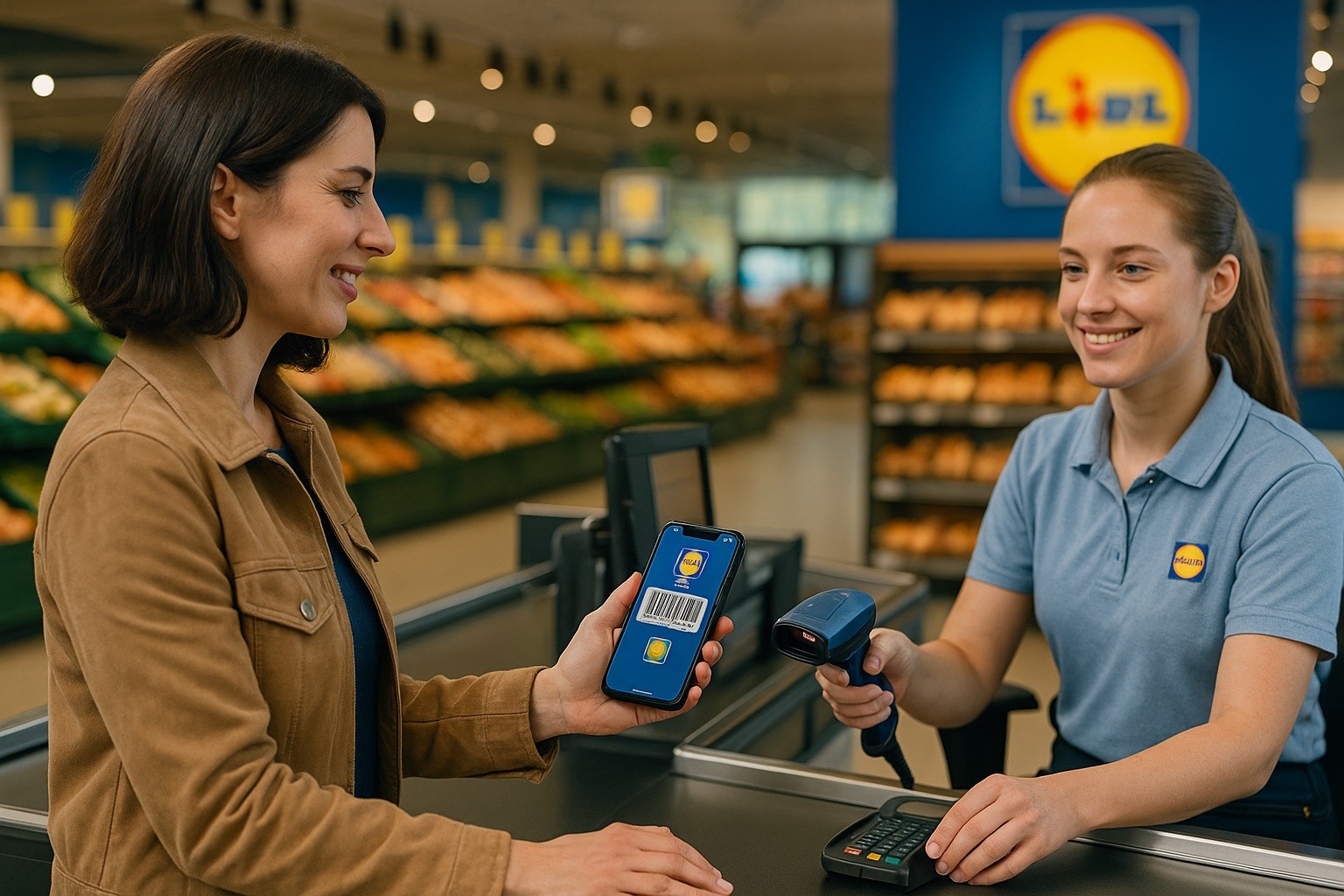
How to Add a Lidl Plus Card to Wallet
Google Wallet widely supports adding loyalty cards/barcodes.
Apple Wallet requires an official pass; availability depends on Lidl’s country implementation.
Add Lidl Plus card to Google Wallet
If Lidl’s program appears in your region, you can add it directly; otherwise, you can still add a loyalty barcode as a generic pass (options vary by device and country).
Open Google Wallet → Add to Wallet → Loyalty. Search for the merchant or choose the “photo/other pass” option where available.
Follow prompts to scan your barcode or locate your account. At checkout, open the Wallet pass for the cashier to scan.
How to get a Lidl Plus card on Apple Wallet
Apple Wallet only accepts passes issued by participating merchants (or via their apps/emails) that show “Add to Apple Wallet.”
If you don’t see that option in Lidl Plus in your country, there may be no official Wallet pass.
Apple’s guidance is clear: if there’s no “Add to Apple Wallet” button, contact the merchant to confirm support.
Using Lidl Plus in-store (how to use the Lidl Plus card)
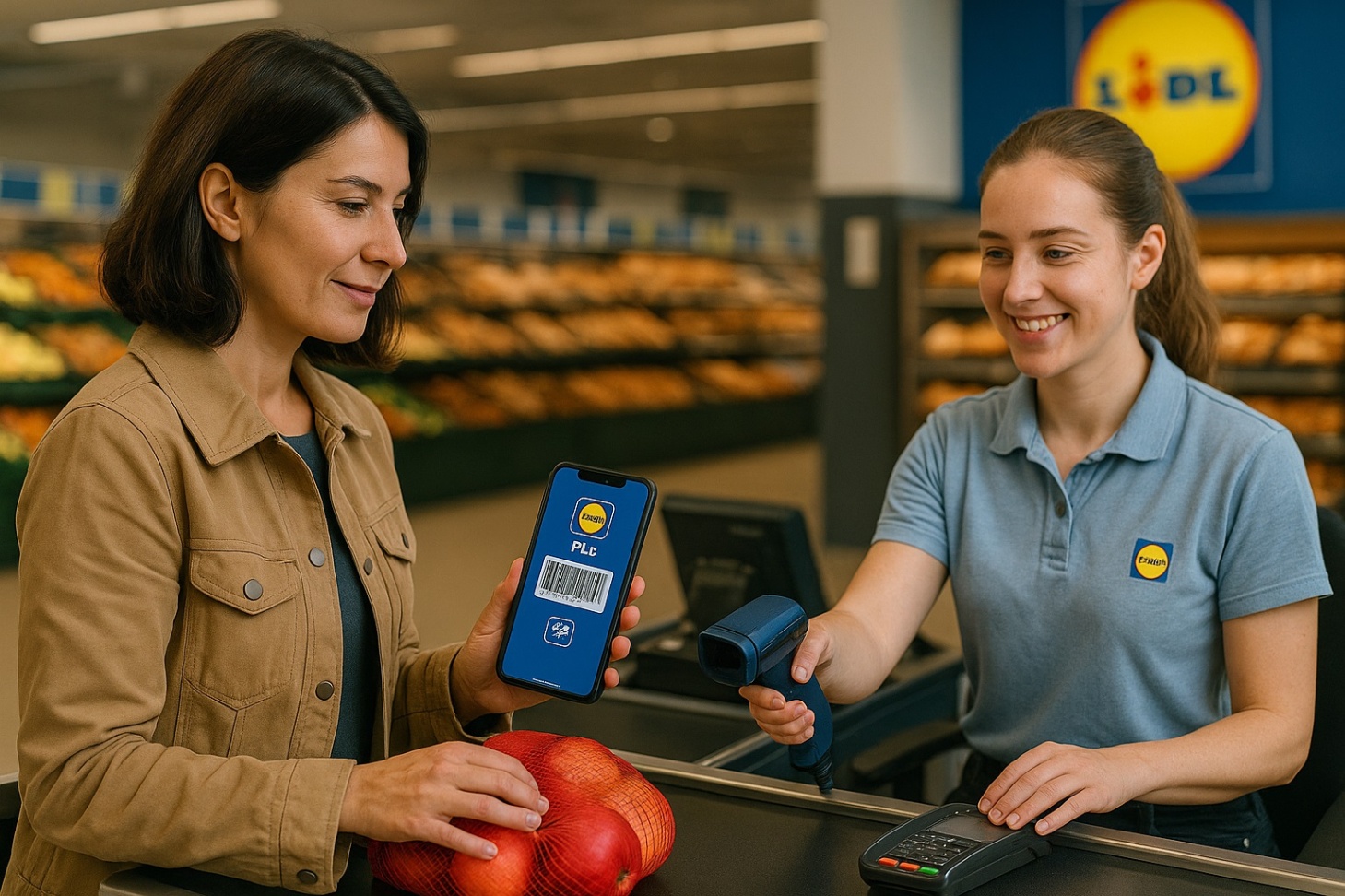
Open the app at checkout and show the digital Lidl Plus card (barcode/QR) for scanning.
Activate coupons if your country requires it (some markets now auto-apply “Offers” when you scan).
Check your digital receipts and milestones after the transaction.
If Lidl Pay is supported where you shop, enable it in “My Wallet” to pay and redeem in one scan.
Practical tips
Ensure your app is updated and logged in before reaching the till.
If your market requires pre-activation, activate the relevant coupons before scanning.
If an expected reward doesn’t appear, allow some time; some receipts and milestones can take minutes to sync.
Interest rates, fees, and costs
Lidl Plus is not a bank product or credit card; it’s a free loyalty program that delivers grocery coupons and partner offers through a digital card in the app.
There are no APRs or interest charges tied to Lidl Plus itself.
Always check your local Lidl Plus terms for any regional variations, but the program is presented as a customer rewards app—not a financial instrument.
If your country offers an optional payment feature like Lidl Pay, that simply uses a payment card you register inside the Lidl Plus app; the card’s fees/interest (if any) come from your card issuer, not Lidl Plus.
Contact & Legal
For corporate/legal information about Lidl’s international operations:
Lidl Stiftung & Co. KG (Head Office address)
Stiftsbergstraße 1, 74167 Neckarsulm, Germany.
Customer Care (example: Lidl Great Britain)
Phone: 0800 977 7766 or 0370 444 1234 (within the UK).
Corporate address (GB): Lidl House, 14 Kingston Road, Surbiton, KT5 9NU.
(Contact numbers and addresses vary by country—use your national Lidl site or help portal.)
Compliance/official correspondence (Germany)
Lidl Stiftung & Co. KG, Attn: Compliance Officer, Stiftsbergstraße 1, 74172 Neckarsulm, Germany.
Tip: If you’re in a different country, open your local Lidl website (e.g., lidl.ie, lidl.co.uk) and visit Help/Customer Service for region-specific phone lines and forms.
Conclusion
Lidl Plus card app keeps things simple: scan your digital card, and save with weekly coupons, digital receipts, and country-specific perks.
If you want the card in your phone’s wallet, Google Wallet typically supports loyalty barcodes; Apple Wallet depends on whether the brand issues a supported pass.
Because Lidl Plus is a loyalty program, interest rates do not apply—there’s no credit line or APR involved.
Disclaimer: Lidl Plus features, partner offers, Lidl Pay, wallet compatibility, and available rewards vary by country and can change. This guide summarizes commonly available functions using official Lidl pages and platform documentation at the time of writing. It is not financial advice and does not replace your country’s Lidl Plus terms and privacy notices. Always consult your national Lidl website, in-app terms, and customer service for the latest details before relying on specific features.